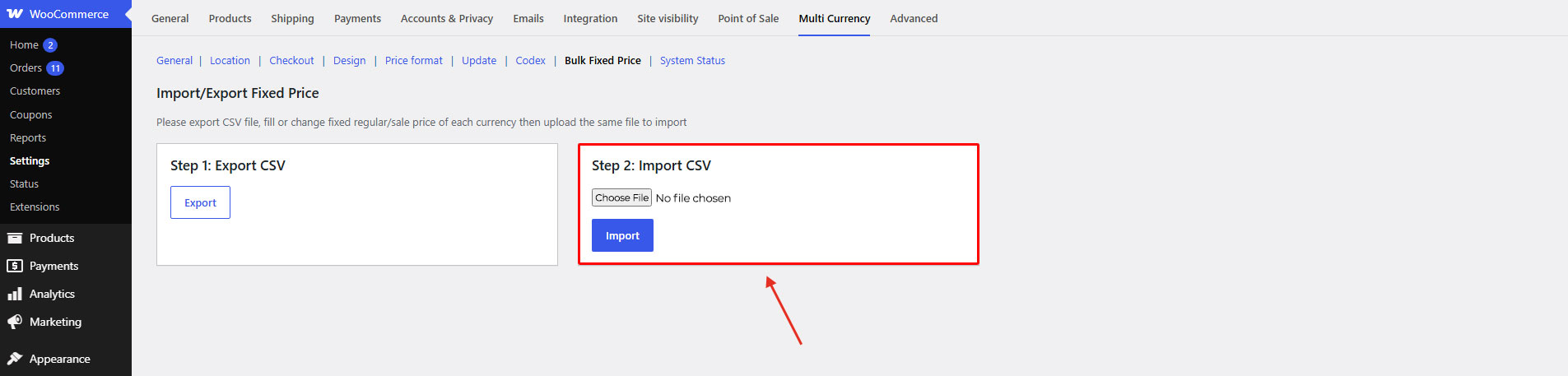
Important note: You can’t edit price in default currency with Bulk fixed price function. This price in CSV file is for view only. If you edit it and import back, it will not change the default currency price.
Step 1: Go to WooCommerce / Settings / Multi Currency / Bulk Fixed Price
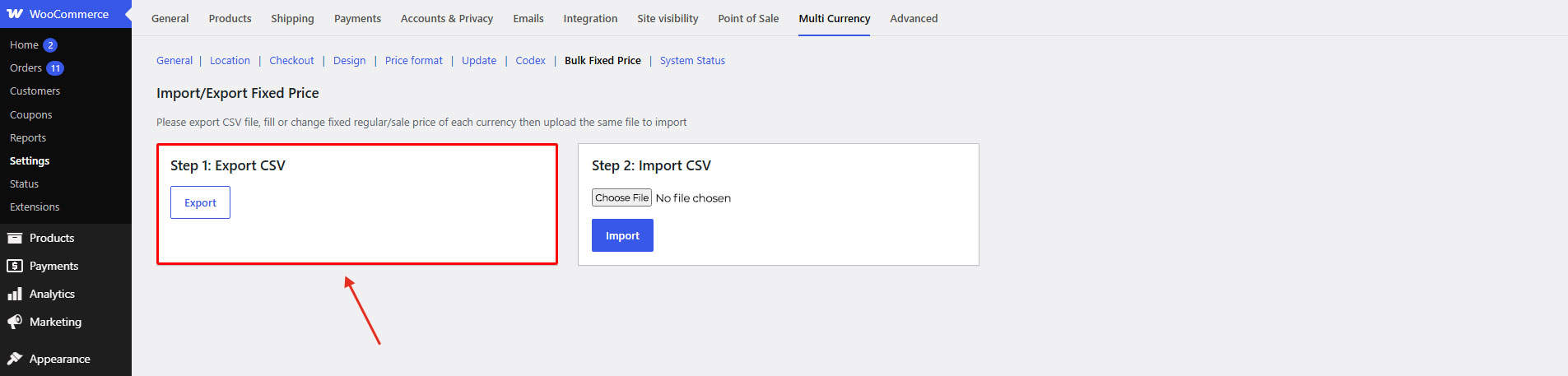
Step 2: Export product file in CSV format
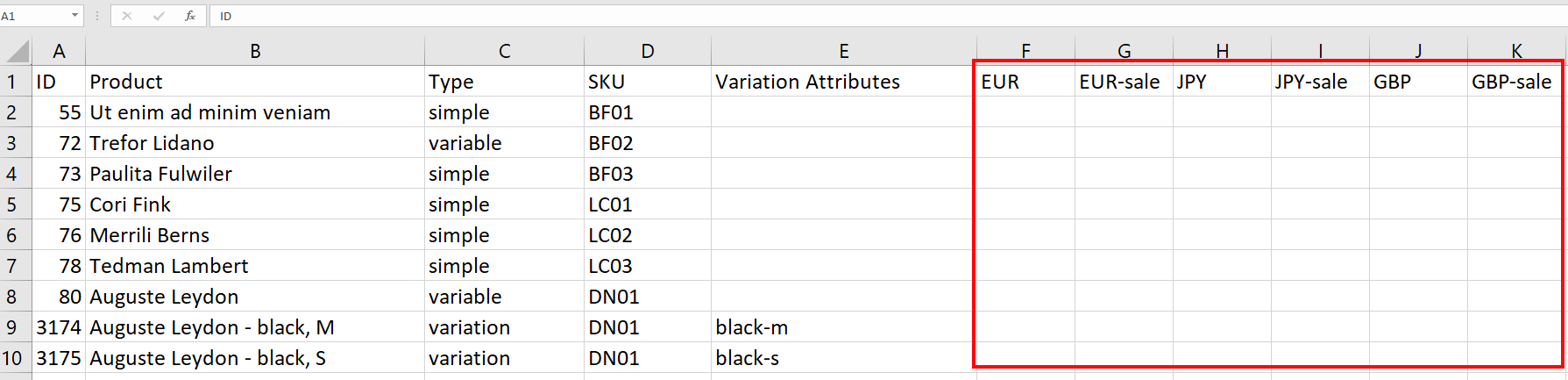
Step 3: Fill or change the fixed regular/sale price of each currency
Step 4: Upload the same file in CSV format to import.