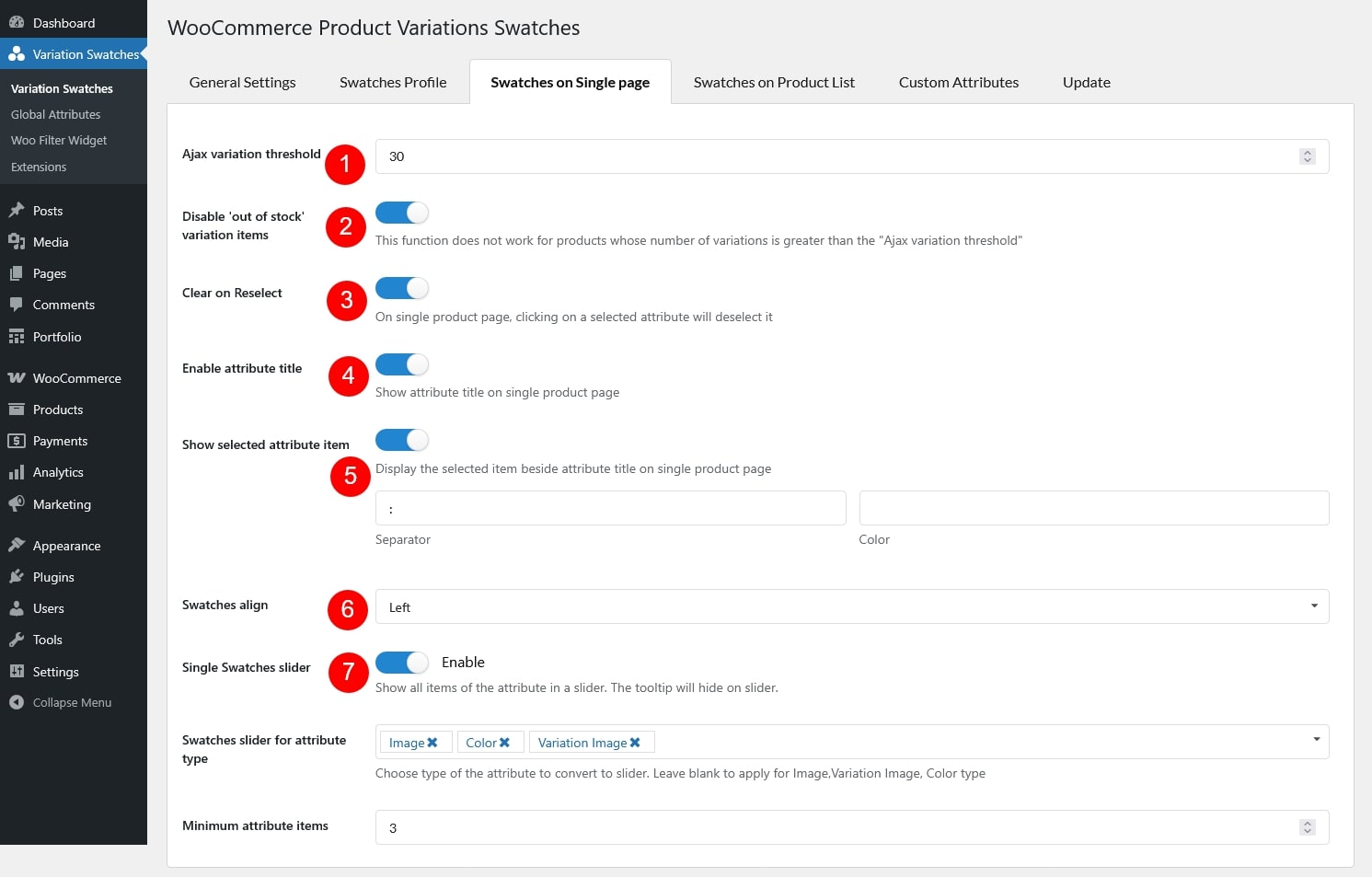
Ajax variation threshold: Set the threshold of ajax variation on single product pages, it should not be much high.
Disable “Out of stock” variation items: If you enable this option, customers will not be able to click to choose these variations in this case. Note: This function does not work for products whose number of variations is greater than the “Ajax variation threshold”.
Clear on Reselect: Enable it so when users click on the selected attribute, it will be deselected.
Enable attribute title: Enable this option to show the attribute title on a single product page.
Show selected attribute item: Enable this option to display the currently selected attribute value next to the attribute title. Note: This setting can be overridden by the Default Settings of an individual swatches profile.
Add a custom separator (e.g., “:”, “–”, “/”)
Adjust the separator color to match your design
Swatches align: Align the swatches.
Single Swatches slider: Enable to show all items of the attribute in a slider on Product Detail Page
Swatches slider for attribute type: Choose type of the attribute to convert to slider. Leave blank to apply for Image,Variation Image, Color type
Minimum attribute items: The minimum number of items of an attribute to convert to slider