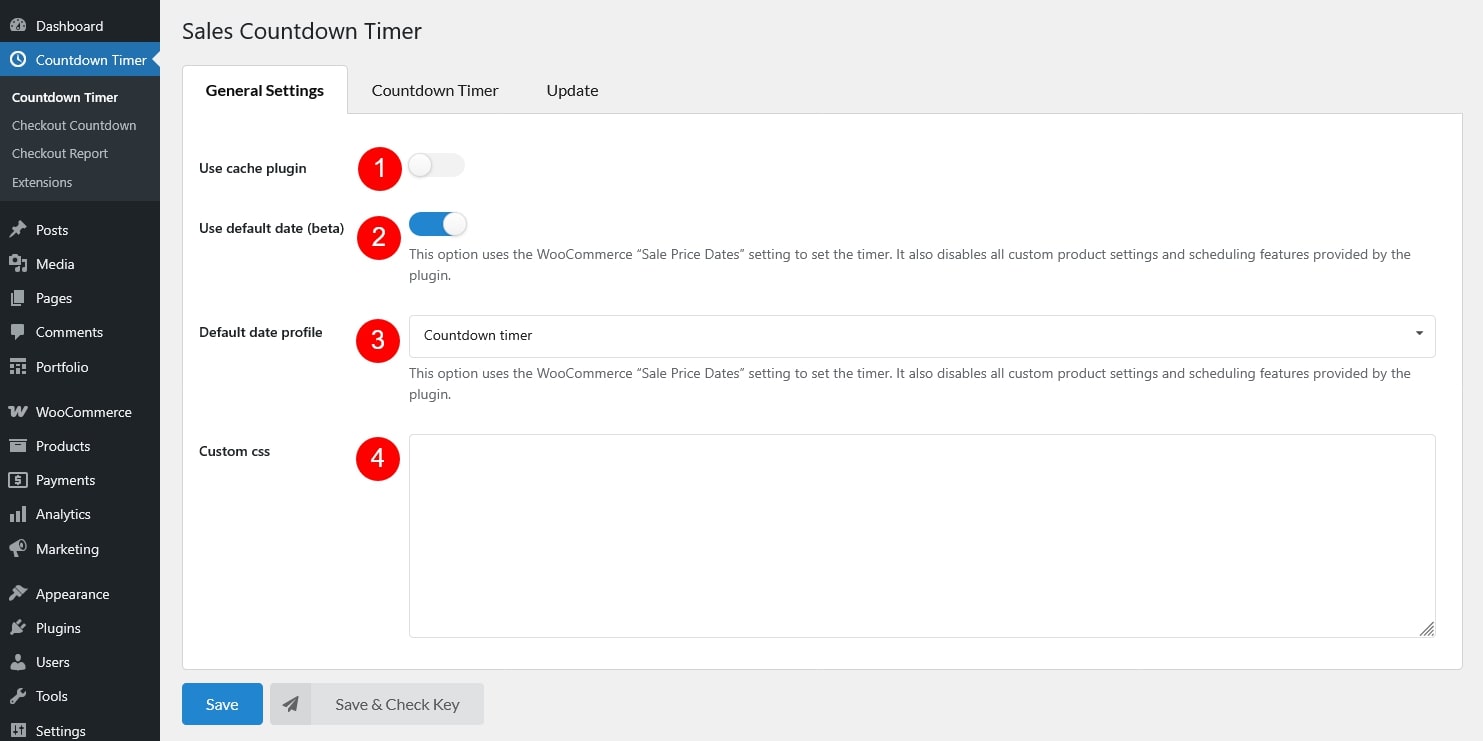
Use cache plugin: Enable this option if your site uses a caching plugin. It helps the countdown timer display correctly when pages are cached
Use default date (beta): This option uses the WooCommerce “Sale Price Dates” setting to set the timer. It also disables all custom product settings and scheduling features provided by the plugin.
Default date profile: Select the profile you want to use for the countdown timer. This setting only applies when the feature above is turned on.
Custom CSS: Add your own CSS here to style the countdown timer or adjust its appearance. This option is for users who want to apply additional design customizations beyond the built-in settings