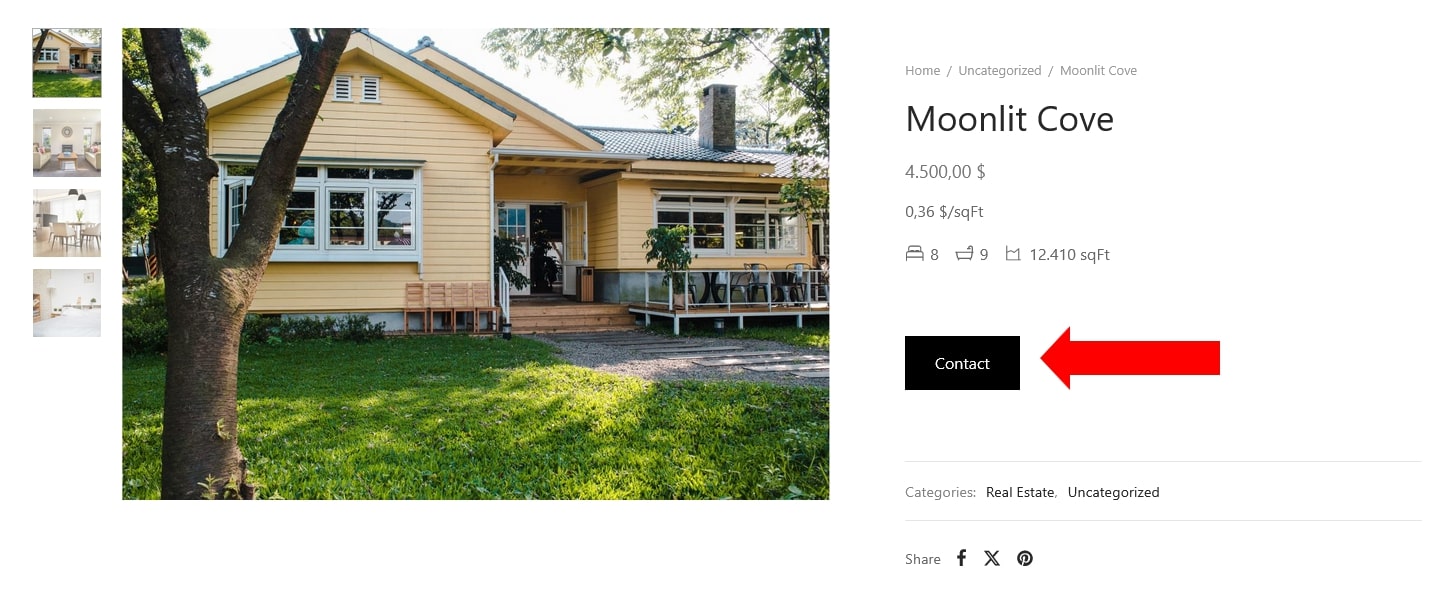
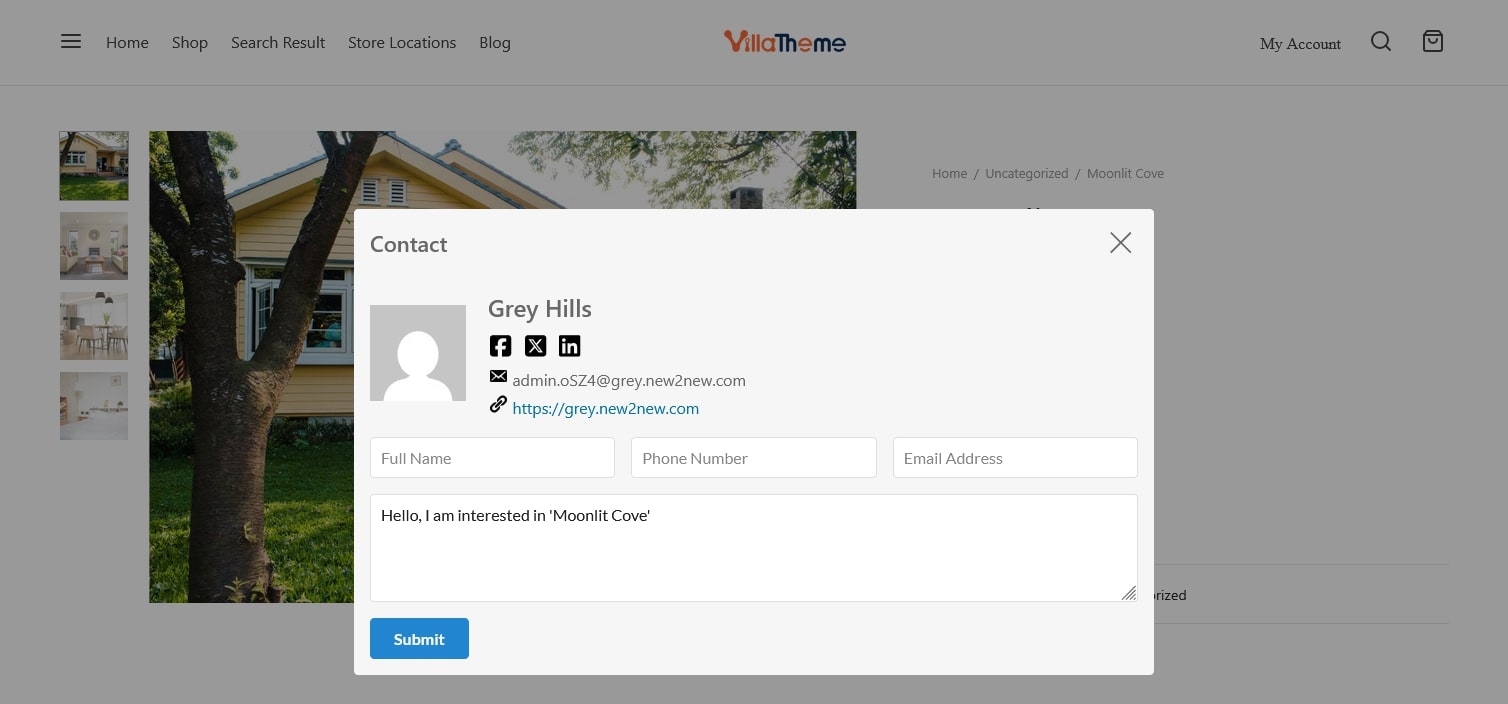
Contact refers to reaching out to the individual or entity responsible for selling a real estate property. This typically involves initiating communication through various channels such as phone, email, social media.
Add admin contact
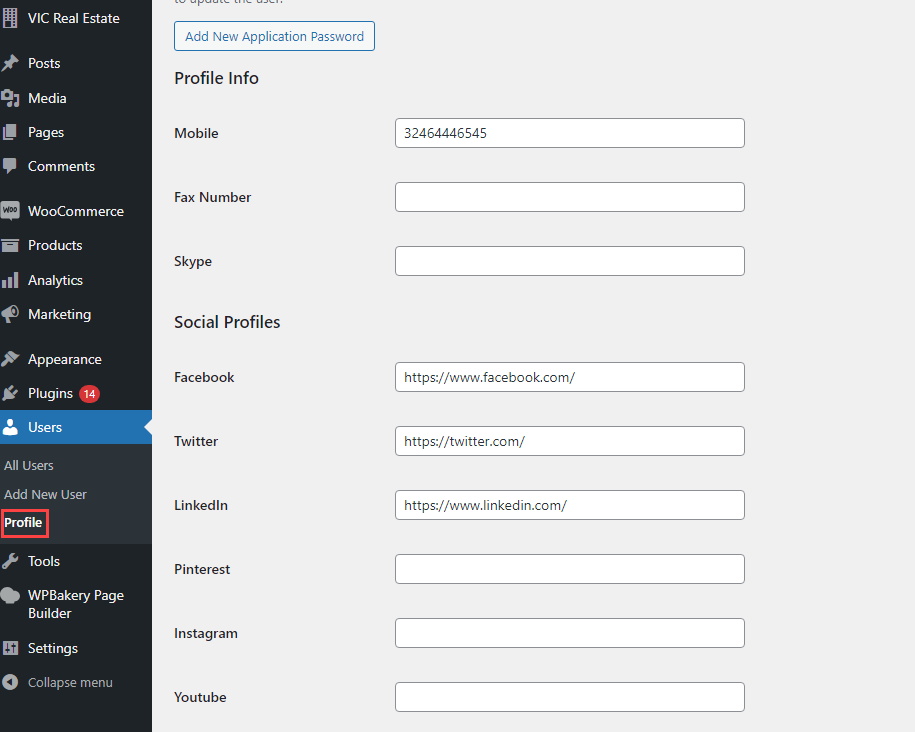
- An admin account is created in Dashboard > Users > Add new user, you can see this guide.
- The information of the admin in charge of selling a real estate property will be added, along with some extra details.
- Select the admin contact: Go to WooCommerce > Settings > Rees settings > General Settings, in the Admin Contact, select an admin account.
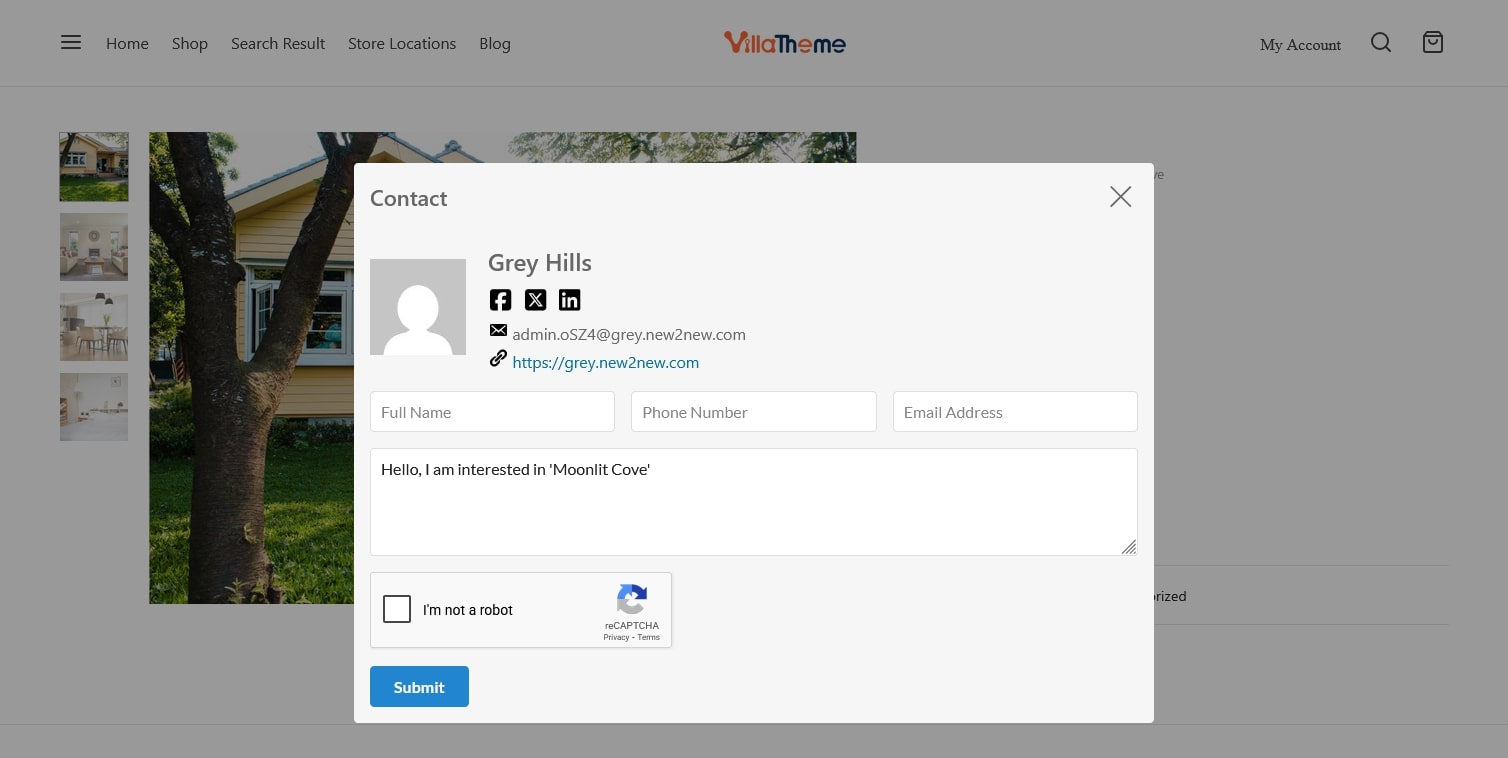
- Add Google ReCAPTCHA: Go to WooCommerce > Settings > Rees settings > Google ReCAPTCHA, configure Google ReCAPTCHA.