This tab controls the core behavior of the multiple address feature, including whether customers can save multiple shipping addresses, how a default address is selected, and how the “Add New Address” button appears on the frontend.
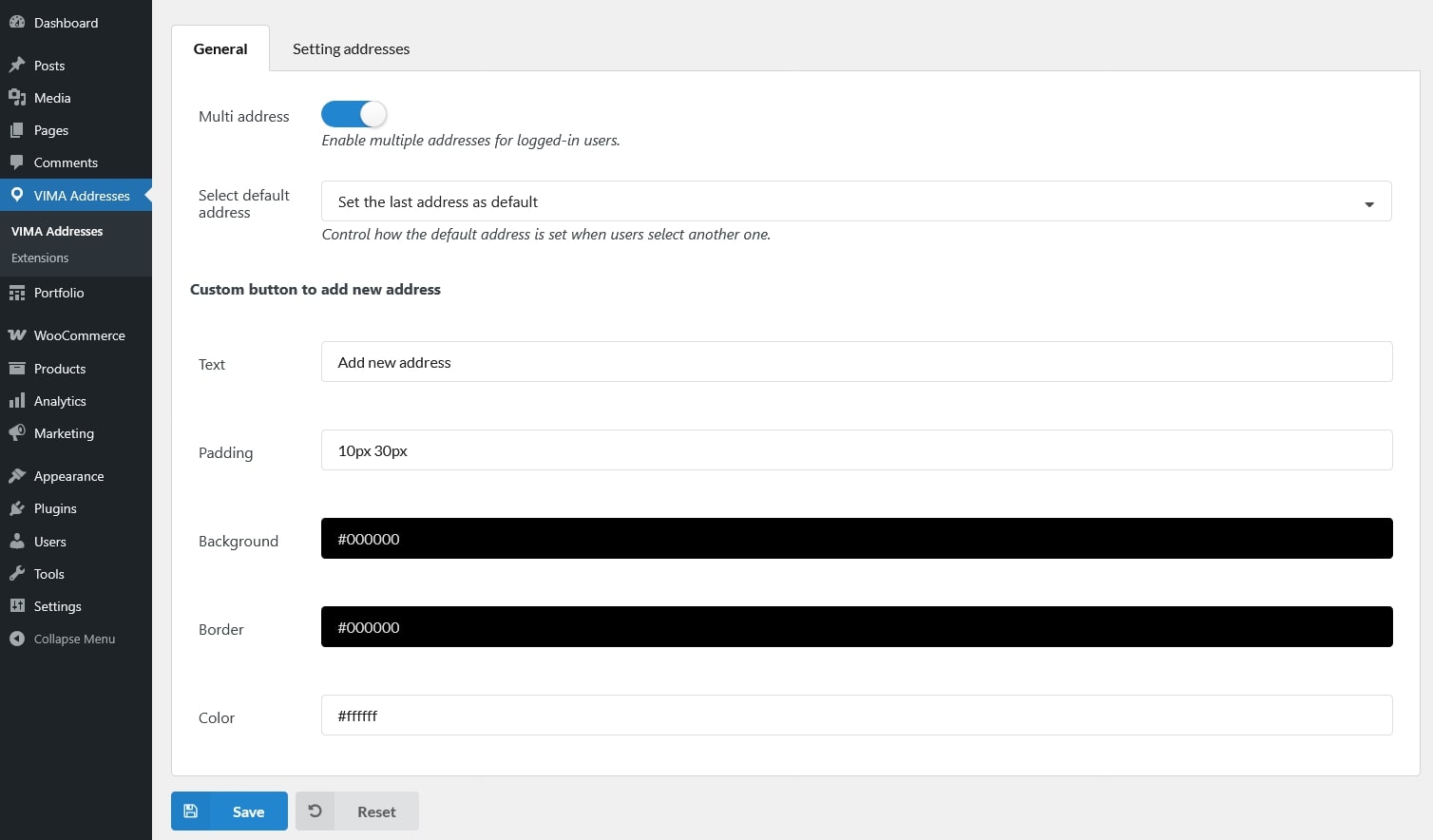
- Multi address: Allow customers to save and manage more than one shipping address in their account and select an address during checkout.
- Select default address: Control how the default address is set when a customer selects a different address.
- Set the last address as default: Automatically make the most recently selected address the customer’s default address.
- Keep an address selected by the user: Use the address explicitly chosen by the customer as the default for future checkouts
- Custom button to add new address: Customize the appearance of the “Add New Address” button.
- Text: Change the button label shown to customers.
- Padding: Adjust the spacing inside the button.
- Background: Set the background color of the button.
- Border: Customize the button border style.
- Color: Set the text color of the button.