Go to Dashboard >> VARGAL >> Variation Gallery >> Gallery Template >> General. Enable the “Image zoom” option. Scroll down to see some examples of our supported transition effects, or take a direct look at our demo.
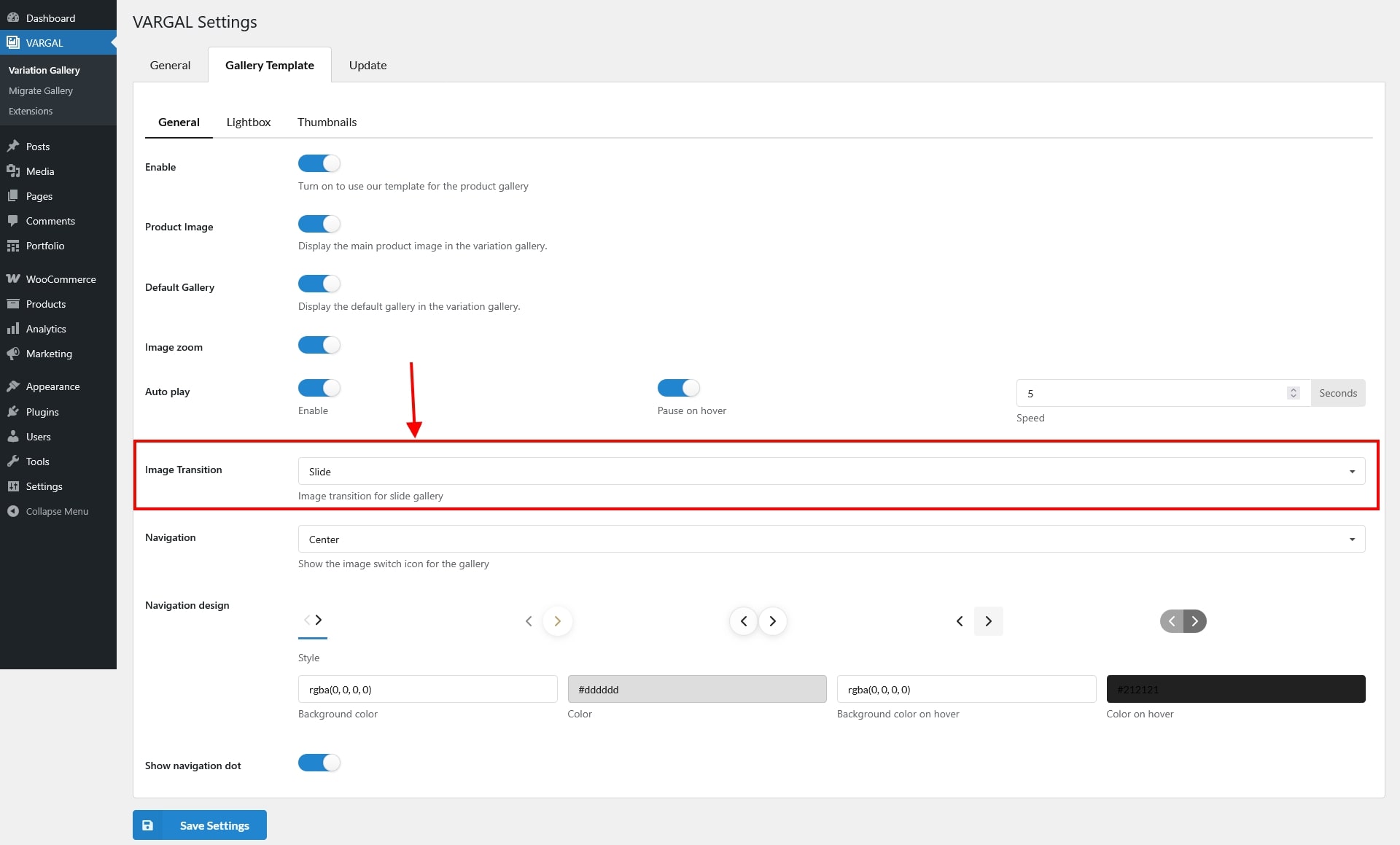
Go to Dashboard >> VARGAL >> Variation Gallery >> Gallery Template >> General. Enable the “Image zoom” option. Scroll down to see some examples of our supported transition effects, or take a direct look at our demo.